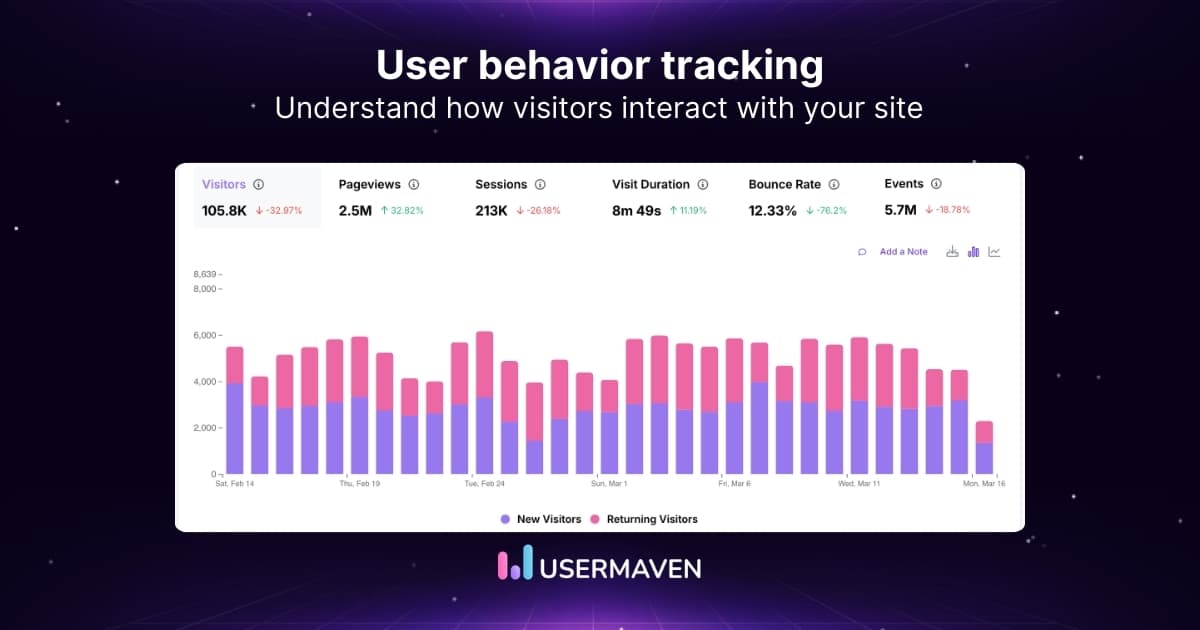
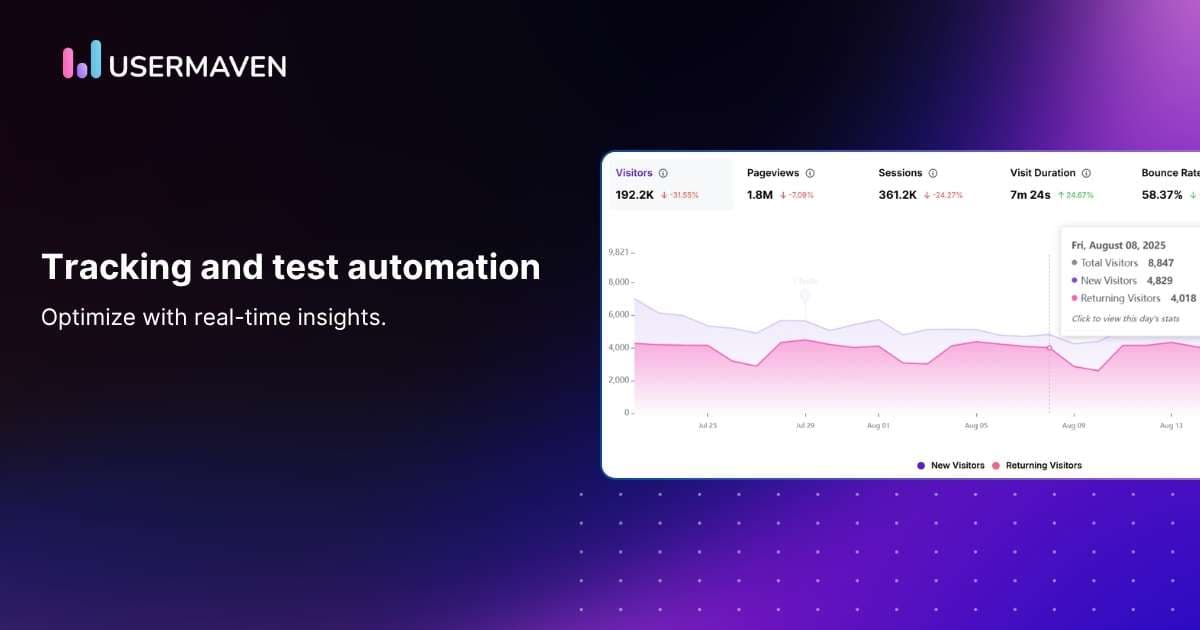
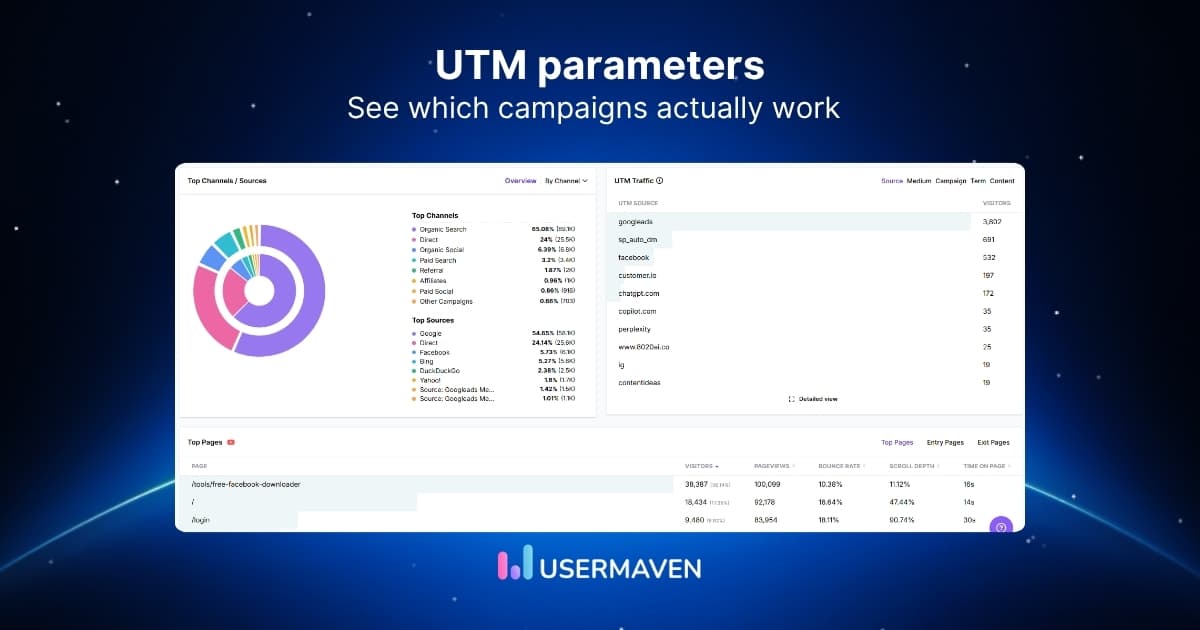
Event tracking records specific actions users take on a website, app, or product, such as clicks, form submissions, signups, purchases, downloads, or feature usage.
A pageview tells you where someone went. Event tracking shows what they actually did and can attach context such as the page, plan, source, device, value, or user involved.
This guide explains how event tracking works, what an event contains, which events matter, how to build a tracking plan, common mistakes, and how Usermaven turns event data into funnels, journeys, conversions, and attribution.
Key takeaways
- Event tracking records actions, not just visits: It captures clicks, submissions, purchases, feature usage, and other behaviors that pageviews alone cannot explain.
- Context makes events useful: Properties, identity, source, value, and timestamps help explain what the action means.
- Track business-relevant behavior: More events do not automatically create better analytics.
- Autocapture and custom events have different roles: Autocapture provides broad behavioral coverage, while custom events represent business-specific actions.
- Governance matters: Consistent event names, properties, ownership, and validation protect historical analysis.
- Events should lead to decisions: The strongest setup connects events to funnels, journeys, segments, conversions, retention, and attribution.
What is event tracking?
Event tracking is the process of recording a specific user or system action and attaching enough contextual information to analyze that action later.
An event can represent a front-end interaction such as a button click, a product action such as creating a project, a backend action such as a payment succeeding, or a commercial milestone such as a deal closing.
Common event tracking examples include form submissions, file downloads, video plays, account signups, product feature usage, plan upgrades, purchases, renewals, refunds, and cancellations.
How does event tracking work?
A practical event tracking system follows a simple chain: an action happens, the analytics system records the event, properties add context, identity connects it to a user or account, and reports turn the event into something the team can analyze.
1. A user performs an action
Someone clicks a trial CTA, submits a form, completes checkout, opens a feature, or performs another behavior worth measuring.
2. The system records an event
The tracking layer sends or stores a named action such as trial_cta_clicked, signed_up, or plan_upgraded.
3. Properties add context
Properties can describe the page, plan, amount, feature, campaign, device, or other details that make the event useful.
4. Identity connects the action
The event may belong to an anonymous visitor first and later connect with a known user, account, or customer.
5. Analytics turns it into insight
The event can then become a funnel step, journey touchpoint, segment rule, conversion goal, retention signal, or attribution outcome.
A terminology note: this guide uses “event” to mean a measurable digital or system action. In other contexts, the word can refer to physical operations and logistics, where specialized event transportation solutions are used to coordinate attendee movement and transport around in-person events.
What information does an event contain?
A useful event is more than a name. The strongest event data combines the action with properties, identity, source, and timing so analysts can ask meaningful follow-up questions.
For example, a plan upgrade might be recorded as plan_upgraded with properties such as plan = pro, amount = 99, billing_cycle = monthly, and currency = USD.
| Component | Purpose | Example |
| Event name | Describes the action | plan_upgraded |
| Property | Adds detail | plan = pro |
| Value | Adds commercial context | $99 |
| User ID | Connects the action to a user | user_123 |
| Account ID | Connects B2B activity | company_42 |
| Source | Explains acquisition context | Google Ads |
| Timestamp | Shows when it happened | 10:42 AM |
A useful mental model is: Event = action + properties + identity + context. The exact fields vary, but the goal is to preserve enough meaning for future analysis without collecting unnecessary data.
Event tracking vs page tracking
Page tracking and event tracking answer different questions. Pageviews are useful for understanding where users went, while events explain what users did once they arrived.
| Page tracking | Event tracking |
| Records page visits | Records specific actions |
| URL-centered | Interaction-centered |
| Shows where users went | Shows what users did |
| Good for traffic and content | Good for behavior and product usage |
| Limited action context | Can include detailed properties |
| Example: pricing page viewed | Example: upgrade button clicked |
A pricing-page view may be meaningful, but an event such as plan_selected with plan = pro is more specific. In most analytics setups, page tracking and event tracking work together rather than replacing one another.
Types of event tracking
Different events require different collection methods. A good setup uses the simplest reliable method for each behavior instead of instrumenting everything the same way.

Auto-captured events
Autocapture records common front-end behavior with little or no manual event-by-event setup. It is useful for broad behavioral coverage, but noisy interactions still need filtering and interpretation.
Pinned or selected events
Important auto-captured interactions can be promoted into reusable named events. This is useful when a click or form interaction repeatedly matters in funnels, goals, journeys, or product analysis.
Custom events
Custom event tracking is better for actions unique to the business, such as signed_up, workspace_created, feature_used, plan_upgraded, or subscription_cancelled.
Server-side and backend events
Some of the most valuable outcomes happen outside the browser. Server side tracking can capture events such as successful payments, renewals, refunds, qualified leads, or closed deals from backend systems.
Event tracking examples
The right events depend on the business model. The examples below show how the same event-based approach can represent website engagement, product usage, ecommerce behavior, and B2B outcomes.
Website event tracking examples
For website behavior, website analytics software can combine page context with interaction events such as clicks, submissions, downloads, and pricing-page actions.
- CTA clicked: Useful when the interaction helps explain engagement, intent, or progression.
- Form submitted: Useful when the interaction helps explain engagement, intent, or progression.
- File downloaded: Useful when the interaction helps explain engagement, intent, or progression.
- Video played: Useful when the interaction helps explain engagement, intent, or progression.
- Pricing interaction: Useful when the interaction helps explain engagement, intent, or progression.
- Outbound link clicked: Useful when the interaction helps explain engagement, intent, or progression.
Product and SaaS event tracking examples
For SaaS and digital products, product analytics software can use events such as account_created, onboarding_completed, project_created, feature_activated, invite_sent, plan_upgraded, and subscription_cancelled to analyze activation and adoption.
Ecommerce event tracking examples
Typical ecommerce events include product_viewed, add_to_cart, checkout_started, coupon_applied, purchase_completed, refund_issued, and subscription_renewed.
B2B event tracking examples
B2B teams may track demo_requested, lead_qualified, opportunity_created, sales_call_completed, deal_stage_changed, and closed_won so website behavior can connect with the revenue process.
Why event tracking matters
Event data matters because it turns analytics from a record of visits into an explanation of behavior. The value comes from the analyses the events make possible.
Understand user behavior
Events show which actions people take, which features they use, and which interactions repeatedly appear before success or abandonment.
Build funnels
For funnel analysis, funnel analytics software uses events as steps so teams can see where users progress, hesitate, or drop out.
Analyze customer journeys
For journey analysis, customer journey analytics software can connect events across sessions and show the sequence that leads to conversion or churn.
Create behavioral segments
For behavioral grouping, customer segmentation software can group people by actions such as feature usage, signup status, purchase behavior, or inactivity.
Define conversions
Important events can become business goals. Conversion tracking then measures how often those outcomes happen and which users or sources produce them.
How can event data support marketing attribution?
Event tracking records what happened. Attribution determines which eligible marketing interactions receive credit for the selected outcome.
For attribution, event data becomes especially useful when conversions and downstream behaviors are connected with acquisition context such as source, campaign, landing page, click IDs, and user identity.
Consider a journey such as Google ad → signup → feature used → demo booked → plan upgraded. The events describe progression, while marketing attribution evaluates which marketing interactions should receive credit for the upgrade.
A consistent marketing attribution software layer can therefore use event data to move beyond lead counts and connect acquisition with product behavior, pipeline, revenue, or other downstream outcomes.
How to set up event tracking
A reliable setup starts with business questions and a tracking plan, not with a long list of every interaction the website can technically record.

1. Start with the business question
Define the decision first. Examples include why users fail to activate, which behavior predicts upgrades, or where buyers abandon checkout.
2. Define the events that matter
Map a small set of actions to acquisition, activation, engagement, revenue, and retention.
3. Create a naming convention
Use one predictable style such as workspace_created or plan_upgraded and document it before implementation.
4. Define event properties
Choose only the context needed for analysis, such as plan, amount, feature_name, source, or billing_cycle.
5. Decide what can be auto-captured
Avoid manually instrumenting interactions the analytics platform can already collect reliably.
6. Add custom events
Use manual instrumentation for business-specific actions that autocapture cannot represent cleanly.
7. Connect identity
Link anonymous behavior to known users or accounts when identification legitimately becomes available.
8. Track backend outcomes
Add billing, CRM, payment, or other server-side events when the final business result happens outside the browser.
9. Validate the implementation
Trigger real user flows and confirm the event fires once, has the expected properties, and connects to the correct identity.
10. Turn events into analysis
Only after validation should the events become funnel steps, segments, goals, analytics dashboards, retention signals, or attribution outcomes.
How to create an event tracking plan
An event tracking plan keeps implementation consistent across developers, marketers, product teams, and analysts. It also makes future changes easier to review.
| Event | Trigger | Properties | Business purpose |
| signed_up | Account created | plan, source | Acquisition |
| workspace_created | First workspace created | template | Activation |
| feature_used | Core feature used | feature_name | Adoption |
| plan_upgraded | Upgrade completed | plan, amount | Revenue |
| subscription_cancelled | Cancellation | plan, reason | Retention |
For every event, document the event name, trigger, expected properties, implementation source, owner, and business purpose. This prevents the same behavior from appearing under several competing names.
Common event tracking mistakes
Most event-tracking problems come from poor definitions, duplicate collection, or missing governance rather than from the analytics dashboard itself.
1. Tracking everything
Collecting every possible interaction can increase noise and make the meaningful events harder to find.
2. Inconsistent event naming
Small naming differences can split one behavior across several event definitions.
3. Missing properties
An event without useful context can be difficult to compare by plan, source, page, feature, or value.
4. Tracking meaningless interactions
Not every hover, focus, or click needs to become a permanent business event.
5. Duplicate browser and server events
The same purchase or signup can be counted twice when multiple collection methods are not deduplicated.
6. Changing definitions silently
Historical comparisons become unreliable when an event’s meaning changes without documentation.
7. Collecting unnecessary sensitive data
Only collect data that is necessary, appropriate, and permitted for the measurement purpose.
8. Skipping real-user validation
An event can technically fire while still representing the wrong action or identity.
9. Treating every event as a conversion
Most events are behavioral signals. Only a smaller set should represent business outcomes.
What to look for in event tracking software
Event tracking software should do more than collect a stream of event names. The stronger tools help teams define, validate, analyze, and connect those events with real users and business outcomes.
- Automatic event capture: Useful for broad front-end behavior without manual instrumentation for every interaction.
- Custom events and properties: Needed for business-specific actions and richer event context.
- Event debugging or activity view: Helps verify payloads, status, properties, and failures.
- User and account identity: Connects behavior across sessions and, where relevant, across B2B accounts.
- Funnels and journeys: Turns events into progression and path analysis.
- Segmentation and retention: Makes event behavior useful for cohorts, audiences, and lifecycle analysis.
- Conversion goals: Separates meaningful business outcomes from general activity.
- Server-side support: Captures important outcomes that happen in backend, billing, or CRM systems.
- Attribution: Connects acquisition context with downstream event behavior and revenue.
- AI-assisted analysis: Speeds investigation when the underlying event data is trustworthy.
Google Analytics vs dedicated event tracking tools
Google Analytics 4 uses an event-based data model and can collect automatically collected, enhanced-measurement, recommended, and custom events. Google’s official event setup documentation also explains how event names and parameters are configured for websites and apps.
GA4 is useful for traffic, acquisition, website and app measurement, and many standard event use cases.
Dedicated behavioral or product analytics tools can add deeper individual journeys, product usage analysis, account context, CRM or revenue connections, and more flexible event-driven workflows.
If you are comparing the two approaches in detail, see Usermaven vs Google Analytics rather than assuming one platform should answer every analytics question.
The easiest GA4 alternative for marketers and product teams
How Usermaven supports event tracking
Usermaven connects event tracking with website analytics, product analytics, funnels, customer journeys, segments, conversion goals, attribution, and downstream revenue context.

Its event tracking setup supports auto-captured events, pinned events, custom events, and Event Sources so teams can combine front-end behavior with business-specific and off-site outcomes.
Automatic event capture
Usermaven’s tracking script can automatically collect page views, clicks on common elements, changes in inputs or dropdowns, form submissions, and many pop-up interactions. This creates a baseline of behavior without manually naming every front-end event.
Pinned events
Pinned events label important interactions already captured automatically. Teams can pin one specific action or group similar actions across pages so they can be reused in funnels, goals, journeys, and product analysis.
Custom events and properties
Custom events can represent actions that autocapture cannot model cleanly, including business-specific product behavior, iframe interactions, third-party flows, or backend events. Additional attributes add the context needed for deeper analysis.
Event Sources
Event Sources brings off-site events into the same analytics environment through methods such as webhooks and imports. This is useful for real revenue, closed deals, webinar outcomes, embedded checkouts, and other conversions the website pixel may not see.
Funnels, journeys, and segments
Once events are clean, they can power funnels, user journeys, and segments so teams can analyze progression, paths, and behavioral groups from the same event taxonomy.
Conversion goals and attribution
Important events can become conversion goals with activity, unique users, conversion rate, value, and average value. Downstream conversions can also feed attribution and supported conversion syncs when teams want ad platforms to optimize around more meaningful outcomes.
How event tracking works in Usermaven
The workflow is easier to understand inside the product. The screenshots below use illustrative example data and show how captured interactions move from raw activity to reusable events, external sources, validation, and business goals.
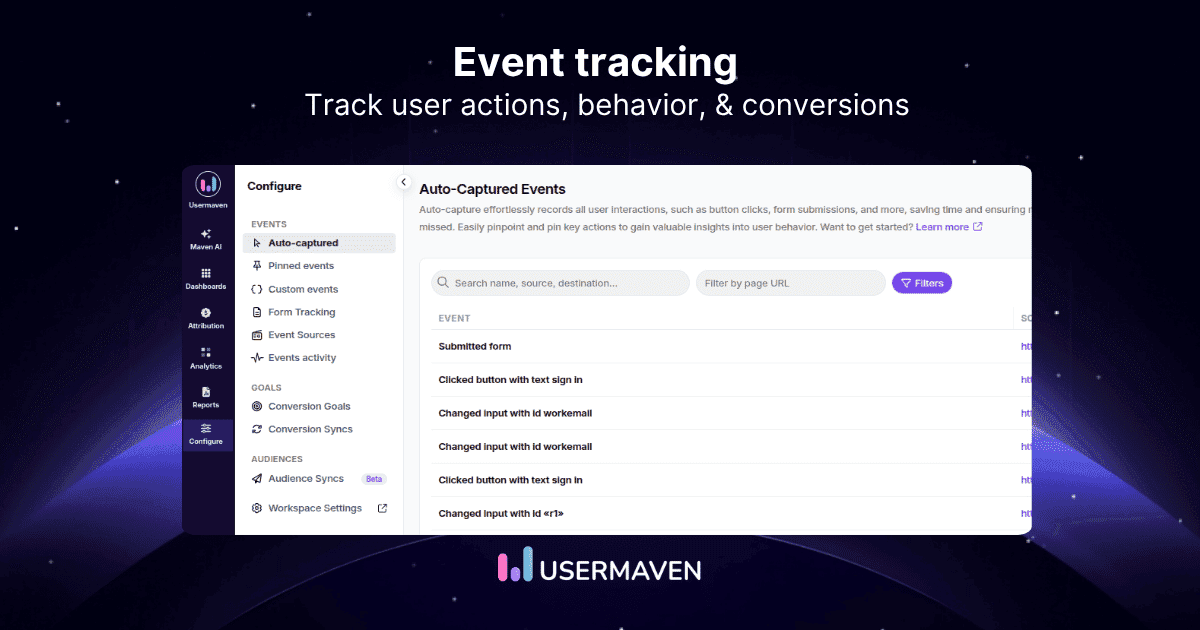
1. Review auto-captured events
Auto-captured events provide a broad view of interactions Usermaven records without manual event-by-event setup.
Teams can review the interaction type, source page, occurrence count, and recent activity before deciding which actions deserve more intentional tracking.

2. Turn key interactions into pinned events
Pinned events promote useful auto-captured interactions into reusable tracked actions. This makes an important click, form interaction, or grouped behavior easier to reuse in funnels, journeys, product analysis, and conversion goals.

3. Track business-specific actions with custom events
Custom events represent actions that need explicit business meaning, such as a signup, workspace creation, feature use, or plan upgrade.
They can also carry properties that add the context needed for product, revenue, and lifecycle analysis.

4. Monitor form submissions
Form tracking helps teams review discovered forms, submission activity, and whether forms are mapped into meaningful lead or conversion workflows.
This connects website interactions with the next stage of measurement instead of treating every form as an isolated event.

5. Bring in external events with Event Sources
Event Sources extends tracking beyond browser behavior by bringing in events from webhooks, billing systems, imports, and other external tools.
This is useful when the meaningful outcome happens in a backend system rather than on the website itself.

6. Validate delivery in Events Activity
Events Activity provides a place to check whether events are arriving as expected before they are used in reports.
Teams can inspect incoming events, source URLs, properties, status, and failures to catch implementation problems early.

7. Turn important events into conversion goals
Conversion goals separate meaningful business outcomes from general activity.
Teams can promote events such as signups, purchases, upgrades, or demo bookings into goals and then monitor activity, unique users, conversion rate, value, and average value.

Once an event becomes a conversion goal, it can feed funnels, reporting, attribution, and supported conversion-sync workflows. Audience activation is a useful downstream capability too, but it sits beyond the core event-tracking workflow covered here.
Event tracking best practices
Good event tracking is intentionally boring: names stay consistent, definitions are documented, noisy data is controlled, and important journeys can be reproduced during QA.
- Track actions tied to decisions: Prioritize events that explain acquisition, activation, engagement, revenue, or retention.
- Use one naming convention: Keep event names predictable across teams and releases.
- Keep properties intentional: Collect context that supports analysis rather than every available field.
- Separate raw activity from goals: Not every captured interaction deserves to become a conversion.
- Document changes: Record when an event or property definition changes.
- Validate before reporting: Test real journeys and inspect incoming events.
- Review event volume: Mute or exclude noisy events that add cost without analytical value.
- Connect behavior with outcomes: Use events to explain funnels, journeys, customers, and revenue instead of producing an isolated activity log.
Where AI helps with event tracking
AI can reduce the time needed to investigate event data, but it does not replace a clean taxonomy or trustworthy measurement. The quality of the answer still depends on the quality of the events underneath it.
Ask event questions in natural language
Maven AI can help teams investigate funnels, journeys, conversion changes, and behavioral patterns without manually rebuilding every report for each follow-up question.
Use MCP in approved AI workflows
The Usermaven MCP server can connect authorized Usermaven data with MCP-compatible AI tools such as ChatGPT, Claude, Codex, and Cursor. Teams can analyze metrics, funnels, journeys, conversions, attribution, and event taxonomy while access remains scoped to the workspaces and permissions they approve.
Check measurement quality first
Before trusting AI-generated conclusions, the Measurement Trust Center can surface measurement problems across campaign tracking, customer matching, connected platforms, conversion feedback, and data confidence. This matters because an AI system can summarize bad event data just as quickly as good event data.
Detect patterns and anomalies
AI can surface unusual spikes, drops, missing event patterns, or behavioral sequences that deserve investigation. These signals are prompts to inspect implementation, releases, traffic changes, or product behavior rather than automatic explanations.
Keep human judgment in the loop
AI cannot decide whether a badly designed event taxonomy represents the right business behavior. Teams still need to define the event model, validate changes, and decide whether the evidence is strong enough to change product or marketing strategy.
Final verdict
Event tracking is the foundation for understanding what users actually do across a website, app, product, and connected business systems.
The quality of the analysis depends on clean event definitions, useful properties, identity continuity, and validation,not simply on collecting the largest possible event stream.
The strongest analytics setup connects those events with funnels, journeys, segments, conversions, retention, and downstream business outcomes so behavior can lead to better decisions.
Ready to see Usermaven in action? Explore the platform or book a demo for a closer look.
See what's working. Fix what's not. Grow faster.
FAQs
1. What is event tracking?
Event tracking is the process of recording specific user or system actions, such as clicks, form submissions, purchases, signups, feature usage, or backend outcomes, along with context that makes those actions analyzable.
2. How does event tracking work?
A user or system action triggers an event, the analytics tool records it, properties add context, identity connects the event to a user or account, and the event can then be used in reports, funnels, journeys, segments, goals, or attribution.
3. What is an example of event tracking?
A SaaS product might record plan_upgraded when a customer upgrades, along with properties such as plan, amount, billing cycle, and currency. The team can then analyze which users, journeys, or acquisition sources produce upgrades.
4. What is event tracking vs page tracking?
Page tracking records visits to URLs, while event tracking records specific actions. A pageview might show that someone visited /pricing; an event can show that the same visitor selected the Pro plan or clicked the upgrade CTA.
5. What events should you track on a website?
Track actions that help answer business questions, such as CTA clicks, form submissions, downloads, signups, purchases, demo bookings, or other meaningful progression. Avoid turning every trivial interaction into a permanent business event.
6. What is custom event tracking?
Custom event tracking manually records business-specific actions that automatic tracking cannot represent cleanly. Custom events can also include properties that describe the action in more detail.
7. What is event tracking software?
Updated

Written by
Adeel Khan
Growth Marketing Expert
Adeel Khan is a full-stack SaaS marketer with 10+ years of experience in content marketing, paid advertising, analytics, and conversion rate optimization. He shares practical insights and strategies drawn from hands-on experience, helping B2B SaaS marketers improve performance and make better marketing decisions.
All articles by Adeel →